Goutub → Guides → How to create a YouTube channel and brand it well: 12 steps
Guide

How to create a YouTube channel and brand it well: 12 steps

Step-by-step guide: a separate Google account, channel name and @handle, country of residence (why not Kyrgyzstan or Uzbekistan), phone verification, avatar, banner, description, trailer, and first videos. Every step is a concrete action in YouTube Studio.

9 min read Usen Asanov #YouTube#запуск#оформление#гайд
Go to the steps →

Why do everything in order

You can create a channel in two minutes, but most people do it carelessly: under a personal email, without a country, without a verified phone number. Later it turns out that videos longer than 15 minutes won't upload, you can't set a custom thumbnail, and monetization isn't available for the chosen country.

Below are 12 steps in the order you should do them. The first six cover creating the channel; the rest cover the branding every new viewer sees.

Go to the steps

⚡ AI · Goutub

First videos for a new channel — in Goutub

The algorithm doesn't promote an empty channel: you need your first 5–10 videos in one niche with a regular posting schedule. Goutub makes them without a camera or editing — you set the topic, and the service writes the script, adds the voiceover, picks the images, and assembles the video along with thumbnails and a description for YouTube.

Checklist for great channel branding

Check these before inviting your first viewers.

Avatar 800×800

Face or logo, large, with no small text: on a phone, the avatar is the size of a coin.

Banner 2560×1440

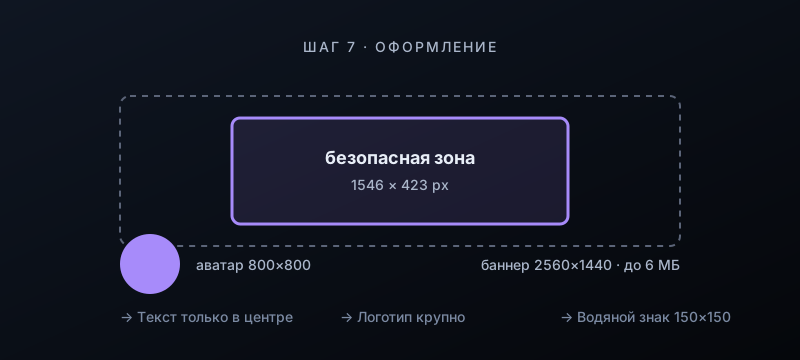
Keep text and logo only within the central 1546×423 px zone — the rest gets cropped on phones.

Description: the first two lines

What the channel is about and who it's for. These are the lines shown in search and on the channel card.

Links and email

Website, social networks, and a contact for collaboration — in the "About" section.

30–60 second trailer

For unsubscribed viewers: what the channel is about, how often videos are released, and why to subscribe.

A playlist from day one

Even with just three videos: it keeps viewers on the channel and gets indexed in search.

12 steps: from account to first videos

1.Create a separate Google account

Go to accounts.google.com and create a new email specifically for the channel. In the Google account, add a recovery email and phone number, and turn on two-step verification under "Security". Set the same country in your personal info that you'll choose for the channel in step 4.
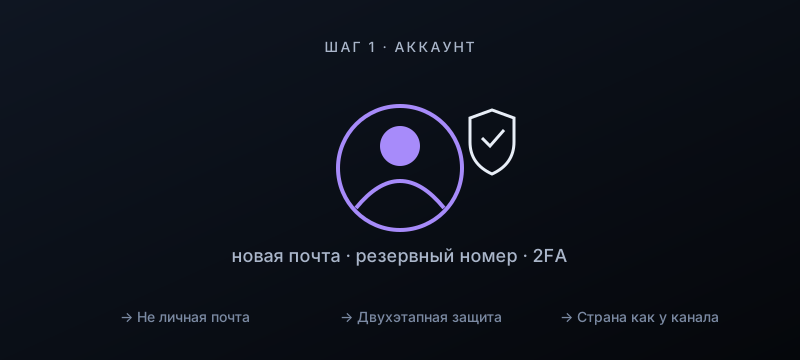
Step 1. Create a separate Google account

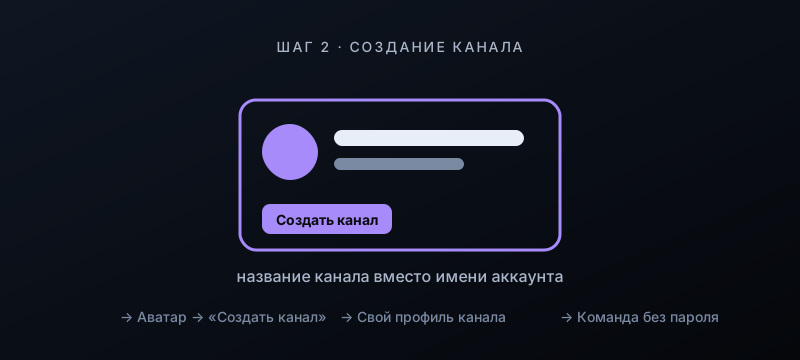
2.Create a channel with its own name

Open youtube.com, sign in to the new account, click the avatar at the top right → "Create a channel". In the creation window, replace the account name with the channel name. The name should reflect the niche or the promise to the viewer, not your own name.

Step 2. Create a channel with its own name

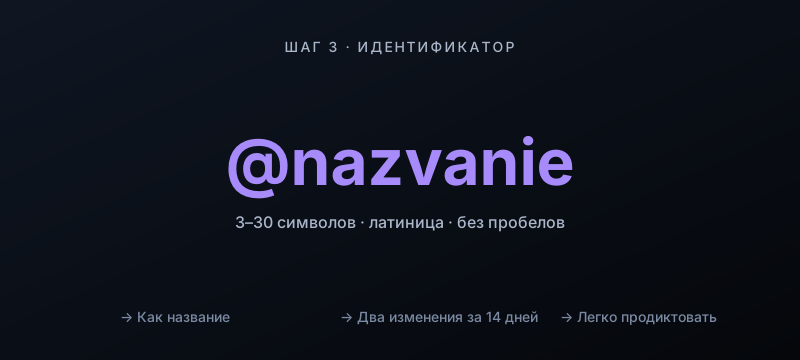
3.Set the channel @handle

YouTube Studio → "Customization" → "Basic info" → "Handle". 3 to 30 characters in Latin letters, with no spaces, digits, or underscores, matching the channel name. You can change it no more than twice every 14 days.

Step 3. Set the channel @handle

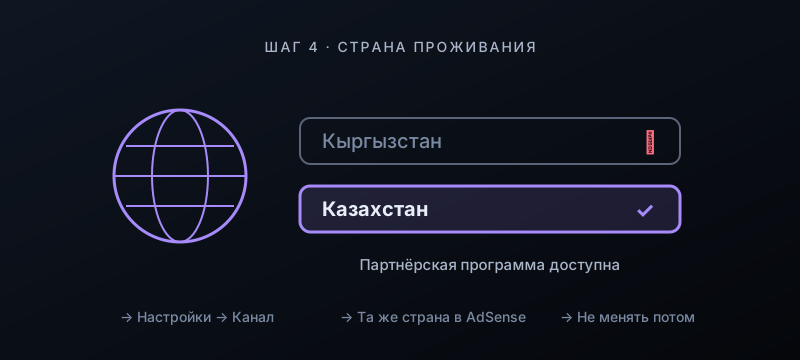
4.Set your country of residence — not Kyrgyzstan or Uzbekistan

YouTube Studio → "Settings" (gear icon at bottom left) → "Channel" → "Basic info" → "Country of residence". The Partner Program is unavailable in Kyrgyzstan and Uzbekistan, so choose a country where it works, for example Kazakhstan. This country must match the country of your future AdSense account, and it can't be changed later.

Step 4. Set your country of residence — not Kyrgyzstan or Uzbekistan

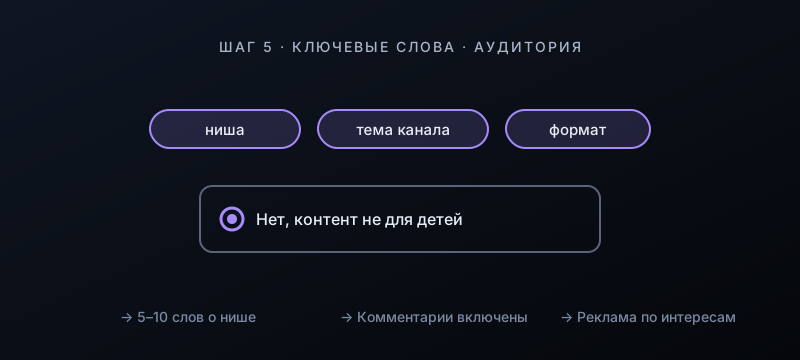
5.Enter keywords and set the audience

In the same "Basic info" section, enter 5–10 keywords about your niche. Then "Advanced settings" → "Audience" → "No, set this channel as not made for kids". With the "made for kids" label, YouTube turns off comments, notifications, and personalized ads.

Step 5. Enter keywords and set the audience

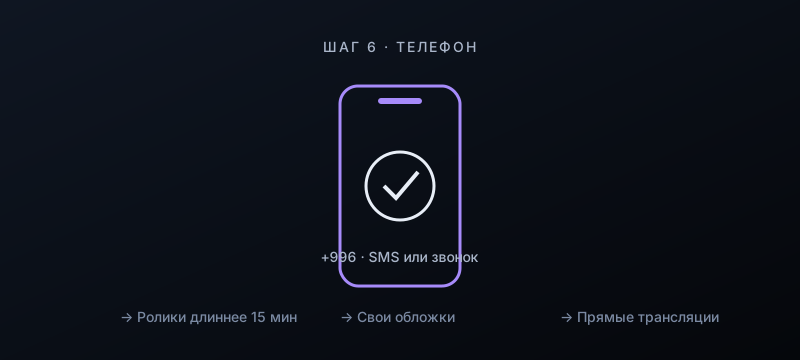
6.Verify your phone number

Open youtube.com/verify and verify your number by SMS or call; a +996 number works too. After that, videos longer than 15 minutes, custom thumbnails, and live streams become available. One number can verify no more than two channels per year.

Step 6. Verify your phone number

7.Upload an avatar and banner

"Customization" → "Branding". Avatar: a square 800×800 px, with a face or logo shown large. Banner: 2560×1440 px, file up to 6 MB, with text and logo only within the central 1546×423 px zone. Watermark: a 150×150 px logo that appears on all videos as a subscribe button.

Step 7. Upload an avatar and banner

8.Write a description and add links

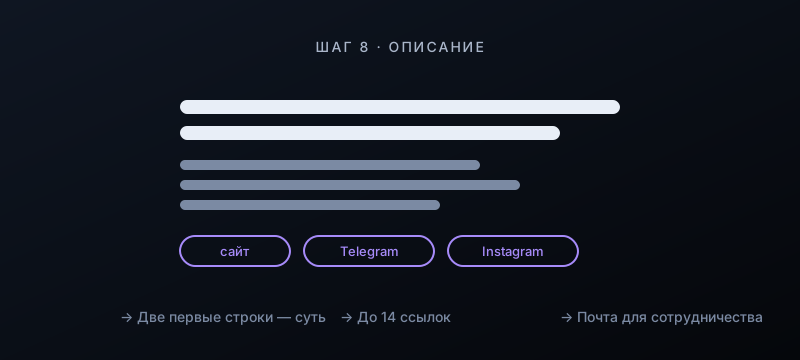
"Basic info" → "Description": the first two lines say what the channel is about and who it's for, followed by the release schedule and the value for viewers. Add links to your website and social networks (up to 14) and an email for collaboration: it appears in the "About" section.

Step 8. Write a description and add links

9.Configure upload defaults

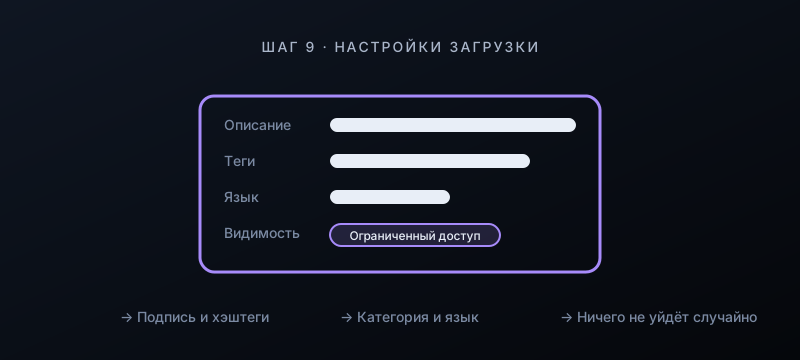
"Settings" → "Upload defaults": a description template with a signature, links, and hashtags, tags, category, and video language. Default visibility is "Unlisted", so nothing goes live by accident. These fields are applied to every new video.

Step 9. Configure upload defaults

10.Build your home page: trailer, sections, playlists

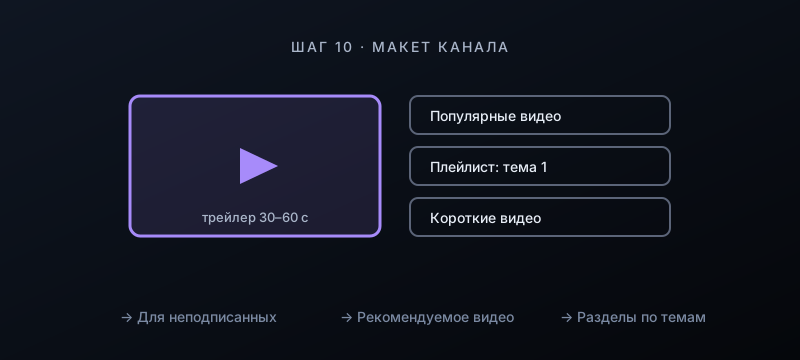
"Customization" → "Layout": a trailer for unsubscribed viewers (30–60 seconds) and a featured video for subscribers. Below are sections: popular videos, playlists by topic, Shorts. Create a playlist from your first three videos.

Step 10. Build your home page: trailer, sections, playlists

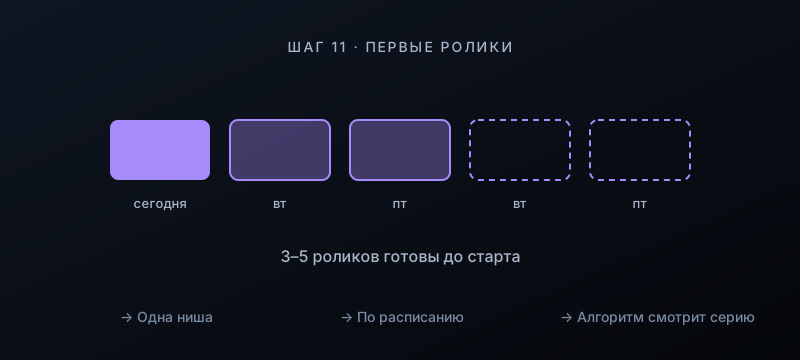
11.Release your first videos as a series

Prepare 3–5 videos in one niche, publish the first, and schedule the rest, for example Tuesday and Friday. The algorithm evaluates a new channel as a series: retention, thumbnail clicks, returning viewers. How to make your first video in 5 minutes — in the guide "How to launch your first video".

Step 11. Release your first videos as a series

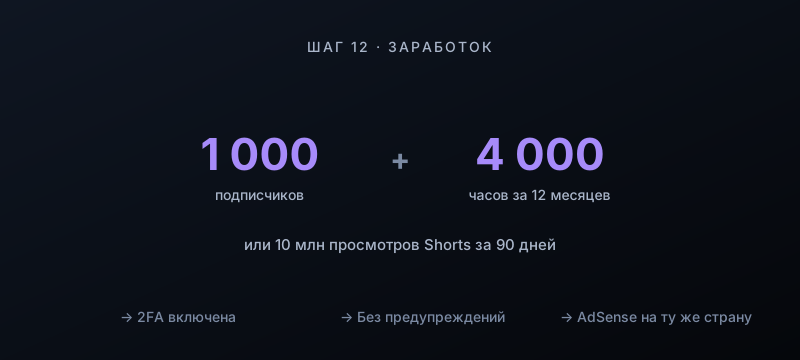
12.Reach monetization

YouTube Studio → "Earn". Partner Program requirements: 1,000 subscribers and 4,000 watch hours over 12 months, or 10 million Shorts views over 90 days, with two-step verification enabled and no strikes. Create your AdSense account for the same country that is set on the channel.

Step 12. Reach monetization

Channel ready? Make your first videos

Goutub builds a video from a topic in one go: script, natural voiceover, images, editing, and thumbnails. Put your first five videos on the calendar — and your channel launches with a schedule.

Make your first video in Goutub
goutub — · Go to the home page